
Every reader starts with curiosity: a click, a headline, a quick scan. But long-term engagement happens when that curiosity turns into a habit, returning daily, following favorite topics, and trust built into their routine. Our new Audience Insights bookmarks functionality is designed to build on that curiosity, and learn from it, to keep readers coming back.
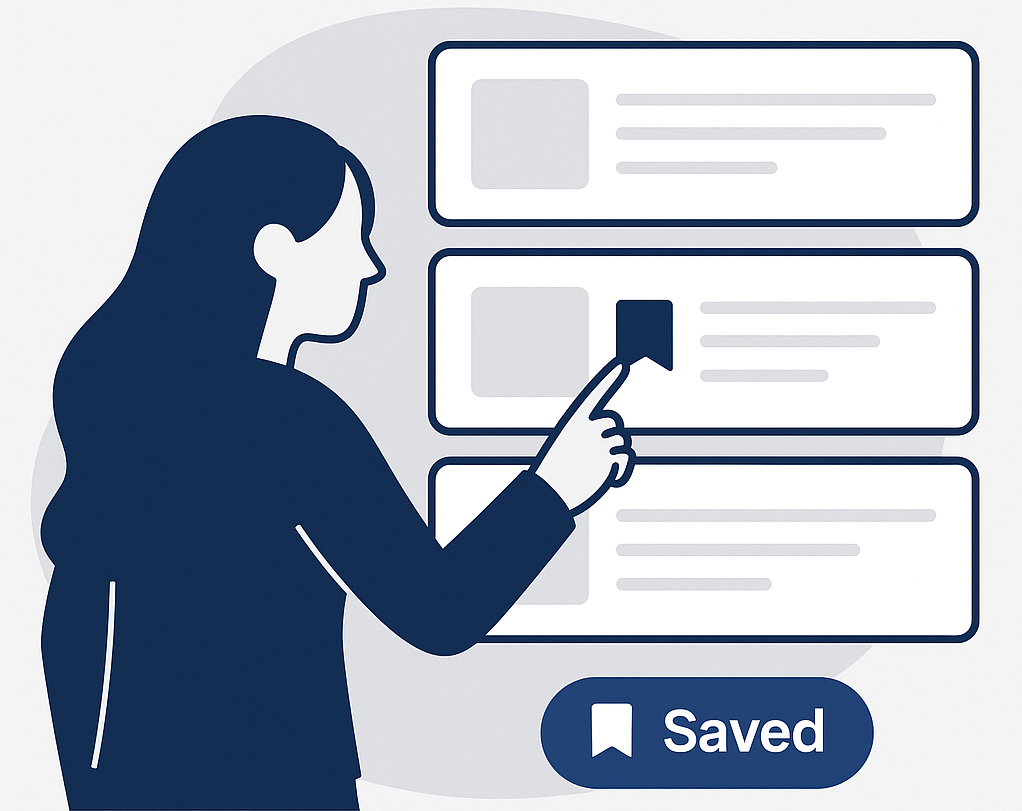
When readers bookmark stories, they are showing intent to dive deeper, learn more, or even visit later. By introducing bookmarks as a core part of the reading flow, we are giving readers a simple way to:
- Pick up where they left off
- Keep track of what matters most
- Build a personal library of stories and topics
To make the bookmark experience seamless, users are prompted to register, turning a one-time reader into a known, returning visitor. Registration is the foundation of habitual engagement. When readers register to use bookmarks, they are investing in their relationship with your brand.
Building Engagement Personalization
This is also an opportunity to personalize their experience. Bookmarks can be turned into content recommendations, personalized home pages, and notifications for new coverage in their areas of interest. Over time, those tailored touch points encourage repeat visits and stronger loyalty.
Bookmark activity may be just one data point on users but it can also be the most valuable. Content saved by users tells us not only what attracted them to your brand but also what they choose to keep. That distinction helps shape smarter editorial and product strategies grounded in real reader behavior. The goal is simple: to make your brand part of readers’ daily rhythm, one bookmark and one habit at a time.
Getting Started
Here’s how to get started:
✅ 1. Enable Audience Insights
If this is your first time using Audience Insights, you must first enable the feature. This gives you the ability to save many different custom data points on your users, not just bookmarks. Bookmarks is automatically available once the features is enabled, you do not need to add any additional data points in the Admin.
🛠 2. Build Bookmark workflows
You will need to build the save option and management screens into your site into your site. You can use our example code to help you get started quickly.
✨ 3. Personalize
Capturing Bookmarks is just the first step to engagement and habit-building, you will want to use this data to start personalizing your user’s experiences. While we’re working on new ways to personalize your audience’s experience, you can already make it feel personal — add users’ saved bookmarks to their homepage or remind them about stories they’ve saved.