
AI code editors have gotten remarkably good at writing general-purpose JavaScript and React. But when you ask one to scaffold an Arc XP content source, or debug a rendering issue in your PageBuilder bundle, things may go sideways. The AI doesn’t know what a feature pack is. It doesn’t know that resolve and transform are different execution phases with different caching behaviors. It doesn’t know that returning an error from a content source caches that error as a successful response, or the intricacies between Arc XP’s CDN resiliency behaviors.
Enterprise platforms have conventions that general-purpose AI simply hasn’t been trained on. Arc XP PageBuilder has a specific directory structure, a specific component model (features, chains, layouts, output types), specific APIs for content sources and custom fields, and specific deployment workflows through the Deployer. Without this context, AI editors generate code that looks plausible but breaks in ways that are hard to debug.
The fix is straightforward. You give your AI editor a project instruction file that explains how your platform works and provides correct references and documentation that the AI agent can explore to build its understanding as it works.
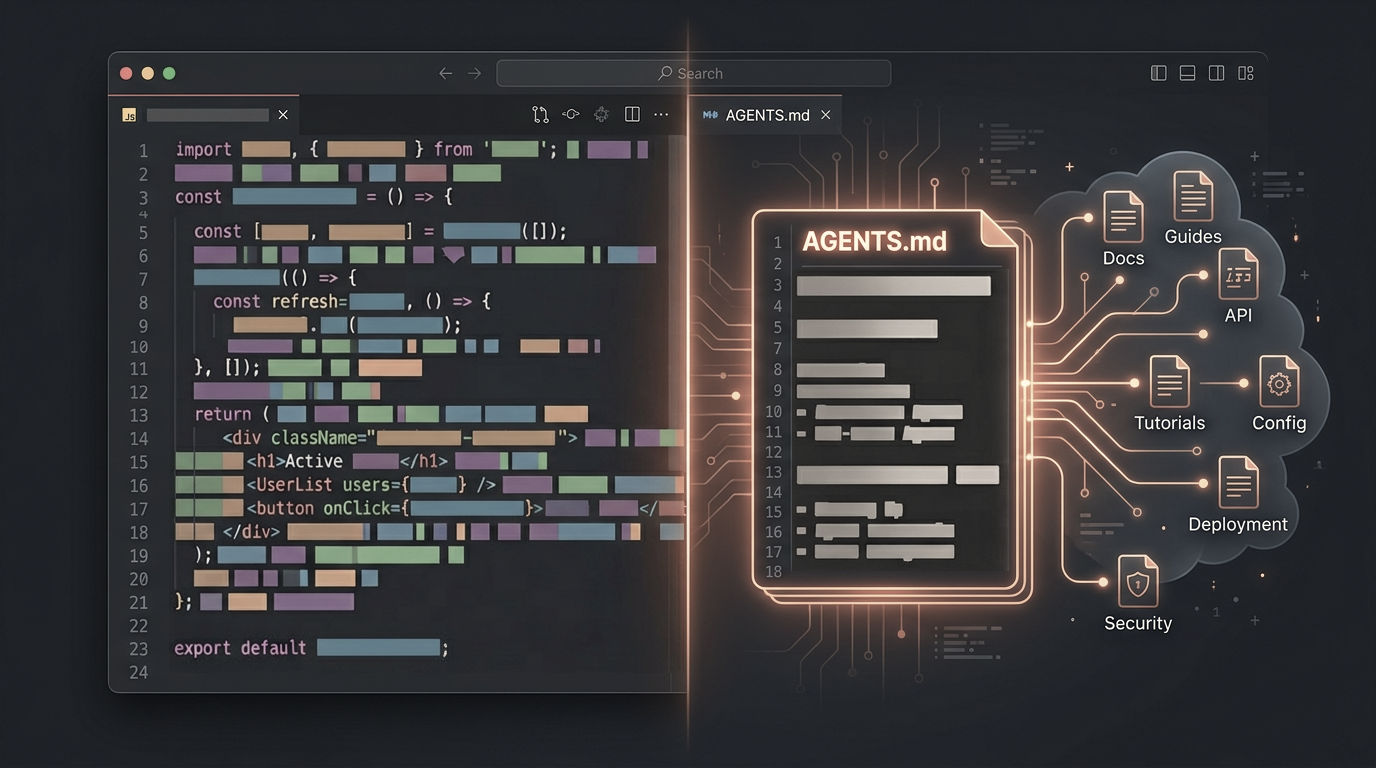
Most AI code editors have converged on a convention for this: AGENTS.md, a markdown file in your project root that the editor reads before working on your code. We built one for Arc XP PageBuilder development and published it on GitHub. We previously shared a .cursorrules file with a similar goal. That version was not as extensive or targeted as it could be, so we are revising it with a more general AGENTS.md. The new instruction file is more structured, covers significantly more of the platform, and is designed for agents that can read documentation and execute multi-step tasks, not just autocomplete.
What is AGENTS.md
AGENTS.md is a project instruction file that AI code editors read to understand your codebase and platform. Most editors have adopted this convention or something very close to it. The content is the same regardless of which editor you use. You just save it with the right filename:
- AGENTS.md — OpenAI Codex, gemini-cli, opencode, and other tools following the AGENTS.md convention
- CLAUDE.md — Claude Code (Anthropic’s variant of the same idea)
- .cursor/rules/arcxp.mdc — Cursor
- .github/copilot-instructions.md — GitHub Copilot
- .windsurfrules — Windsurf
We publish the file as AGENTS.md in our GitHub repo. Copy it into your bundle and rename it if your editor expects a different filename. The content works across all of them.
What’s in our instruction file
The file is about 330 lines. Here’s what each section covers and why it matters.
Project context and CLIs. The file opens with a customizable template where you fill in your organization name, PageBuilder Engine version, and any org-specific details. It also clarifies something that trips up both new developers and AI agents: there are two distinct CLIs. The Fusion CLI (npx fusion) handles local development, building, and deploying bundles. The Arc XP CLI (@arcxp/cli) manages platform-level operations like themes, Engine logs, and static storage. Your AI editor needs to know which one to use and when.
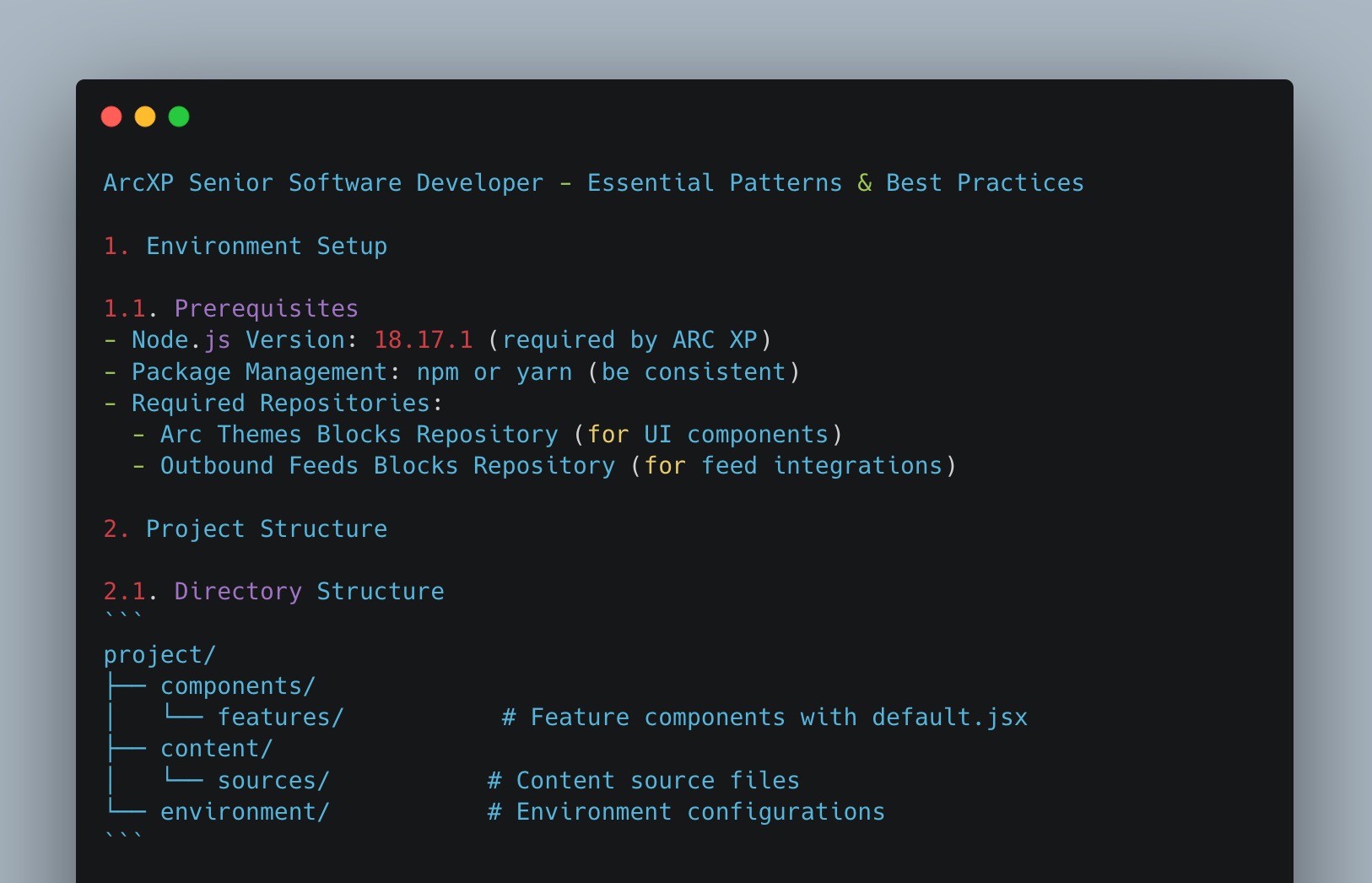
Bundle directory structure. A full annotated tree of the feature pack. Every directory explained: /components/ and its subdirectories for features, chains, layouts, and output types. /content/sources/ for content source definitions. /properties/ for site properties. /environment/ for server-only encrypted variables. This section answers the question every AI agent asks first: “where does this code go?”
Arc XP platform knowledge map. Compact pointers to the broader platform: Content API, View API, Subscriptions and Identity, Themes and Arc Blocks. Two or three lines per topic with direct URLs to entry point documentation. The AI reads the full doc when it needs to; the instruction file just tells it where to look.
Full PageBuilder Engine reference. This is the biggest section and intentionally so. It lists every developer doc on dev.arcxp.com related to PageBuilder Engine, organized by category:
- 11 API reference docs (Feature, Chain, Content Source, Content Component, Consumer, Layout, Output Type, Static Component, Context Component, Plugins, HTTP API)
- Basics (directory structure, arc.config.json, helpful commands)
- Core concepts (caching, custom fields, content filtering, React hooks, site properties, client-side variables)
- 70+ how-to guides covering component creation, content fetching, styling, optimization, deployment, CI/CD, logging, migration, and performance profiling
- 28 troubleshooting knowledge articles from docs.arcxp.com
We list these with relative URL paths under base URLs so the file stays compact but an agent can construct the full link to any doc it needs. This is the section we deliberately kept detailed because PageBuilder APIs are what developers (and their AI assistants) work with every day.
Themes and Arc Blocks. Arc Blocks are pre-built PageBuilder blocks (80+ blocks, 60+ components) with a design-token styling system. This section covers getting started with blocks, customizing them through theme settings, ejecting (forking) blocks into your bundle for full control, and migration guides for upgrading between versions. If your team uses Themes, your AI editor needs to know how blocks, tokens, and the themes CLI work together.
Common patterns as doc references. Rather than embedding code examples inline, we point to the canonical documentation for each common pattern. Content source creation with resolve and fetch patterns. Feature components with useContent and useFusionContext. Custom fields with .tag(). Environment variables versus site properties. Output types. Each entry is a one-liner pointing to the right doc. The AI reads the full example when it needs one.
Anti-patterns and gotchas. Fifteen specific “do not” rules. These are the mistakes we’ve seen AI editors make with Arc XP code, and a few that catch experienced developers too. Examples:
- Don’t return error objects from content source fetch functions. Thrown errors get handled properly. Returned errors get cached as successful 200 responses and potentially served from CDN for 72 hours.
- Don’t rename component paths. Renaming a feature, chain, or layout file path breaks every page and template using that component. All editor configuration for it is lost.
- Don’t install
aws-sdkas a dependency. It’s already available on Lambda. Installing it bloats your bundle and can cause deployment failures. - Content source cache responses are limited to 1 MB compressed. Use
transformto strip unnecessary fields. - Minimum cache TTL is 120 seconds. Setting it lower gets silently raised.
This section exists because these mistakes are hard to catch in a code review and painful to debug in production. Having them in the instruction file means your AI editor knows about them before it writes the code.
The knowledge map approach
The design philosophy behind the file is simple: your AI editor doesn’t need to memorize Arc XP’s documentation. It needs to know the documentation exists and where to find it.
We could have crammed every concept, every code example, every edge case into one giant instruction file. But that would be thousands of lines. Agents parse large files slowly. And embedded knowledge goes stale the moment a doc is updated.
Instead, the instruction file works as a map. It tells the AI what topics exist, where the docs live, and what the key concepts are. When the agent needs to write a content source, it reads the Content Source API reference. When it needs to optimize bundle size, it reads the relevant optimization guides. The knowledge stays current because it’s read from the source.
The exception is the PageBuilder reference listing. We keep that section detailed (every doc linked) because those are the docs an agent reaches for constantly during active development. For everything else, topic-level pointers are enough.
Try it yourself
Here is the full instruction file. You can also find it on GitHub: https://github.com/arcxp/ai-coding-editor-rules/blob/main/AGENTS.md
See the file in GitHub: https://github.com/arcxp/ai-coding-editor-rules/blob/main/AGENTS.md
To get started, download the file directly into your bundle’s root directory:
cd /path/to/your-feature-packcurl -O https://raw.githubusercontent.com/arcxp/ai-coding-editor-rules/main/AGENTS.mdIf you’re using Claude Code, rename it to CLAUDE.md.
Then try prompts like these:
- “Create a content source that fetches articles from the Content API by section path and tag, with a 5-minute cache TTL”
- “Add a feature component that renders a list of stories from a content source with lazy-loaded images”
- “My content source is returning stale data after deployment. Why?”
- “Which features and content sources in this bundle are unused? How can I reduce the bundle size?”
- “Write a smoke test that verifies the homepage renders with content after deployment”
These aren’t autocomplete prompts. They’re tasks. The agent reads your code, finds the relevant Arc XP docs through the instruction file, and works through the problem.
Keep experimenting
Agent instructions, skills, and editor conventions are changing fast. What works today will probably look different in a few months. New editors, new conventions, new capabilities. We’ll keep sharing updated guidance as things evolve.
But don’t wait for us. Experiment with your own additions. Add patterns specific to your organization. Document the anti-patterns your team keeps running into. The instruction file is a starting point, not a finished product.
We’d like to hear what works and what doesn’t. Share your learnings, ask questions, or contribute improvements in our GitHub Discussions.