
We spent the last two Engine releases making full builds faster. Now that both are out, we measured the result, and we’re really excited to share it.
It started with Webpack 5
Engine 7.1 upgraded the compiler from Webpack 4 to Webpack 5. That upgrade alone made the build process faster and lighter on memory. We saw improvements of up to 30% in our testing, just from the newer Webpack version underneath. We also kept the compiled output functionally equivalent, so upgrading from Webpack 4 doesn’t change how your pages render.
From there we kept going. We kept optimizing build speed and resource use, and across two consecutive versions we pushed it even further. This post shares the benchmark numbers for the latest step, from Engine 7.1.1 to 7.2.
How we measured
We picked four bundles that cover the range of what we see, from small to very large. We call them Bundle A to D here. Bundle A is the largest and block-heavy, Bundle B is large, Bundle C is medium, and Bundle D is small.
For each bundle we ran 10 production builds with minification on, using Engine 7.1.1, and 10 more using Engine 7.2.0. We did the 7.2.0 runs twice: once with default settings, and once with an opt-in flag that skips transpiling prebuilt dependencies (more on that below). That’s 120 builds in total, with no failures. We benchmarked 7.2.0, and the 7.2.x patch releases since are the ones we recommend running.
A note on the numbers: these are examples from our test setup. Your bundle, dependencies, and machine will behave differently, so please read them as a direction.
Total build time
The chart shows the median total build time for each bundle. Shorter bars are better.
Median total build time by bundle
Median of 10 production builds per bundle and version. Shorter bars are better.
- 7.1.1
- 7.2.0 (default settings)
- 7.2.0 + skip dependency transpilation
Example numbers from our test setup. Your results will differ.
| Bundle | 7.1.1 | 7.2.0 default | 7.2.0 + skip flag |
|---|---|---|---|
| A (largest) | 176 s | 91 s (-49%) | 59 s (-67%) |
| B (large) | 108 s | 98 s (-10%) | 67 s (-39%) |
| C (medium) | 35 s | 27 s (-23%) | 21 s (-40%) |
| D (small) | 12 s | 9 s (-27%) | 7 s (-45%) |
Upgrading alone helped every bundle, and the gain varied a lot, from about 10% on Bundle B to about 49% on Bundle A. Adding the flag took off another 22 to 35%.
Averaged across the four bundles, that works out to about 2x faster with the flag (about 3x on Bundle A, about 1.7x on the other three) and about 1.4x from the upgrade alone. One big bundle pulls that average up, so please don’t read 2x as a target for your own bundle.
One result made us trust the data. On all four bundles, every 7.2.0 run beat every 7.1.1 run. The runs didn’t overlap, so we’re not looking at noise.
Where the time went
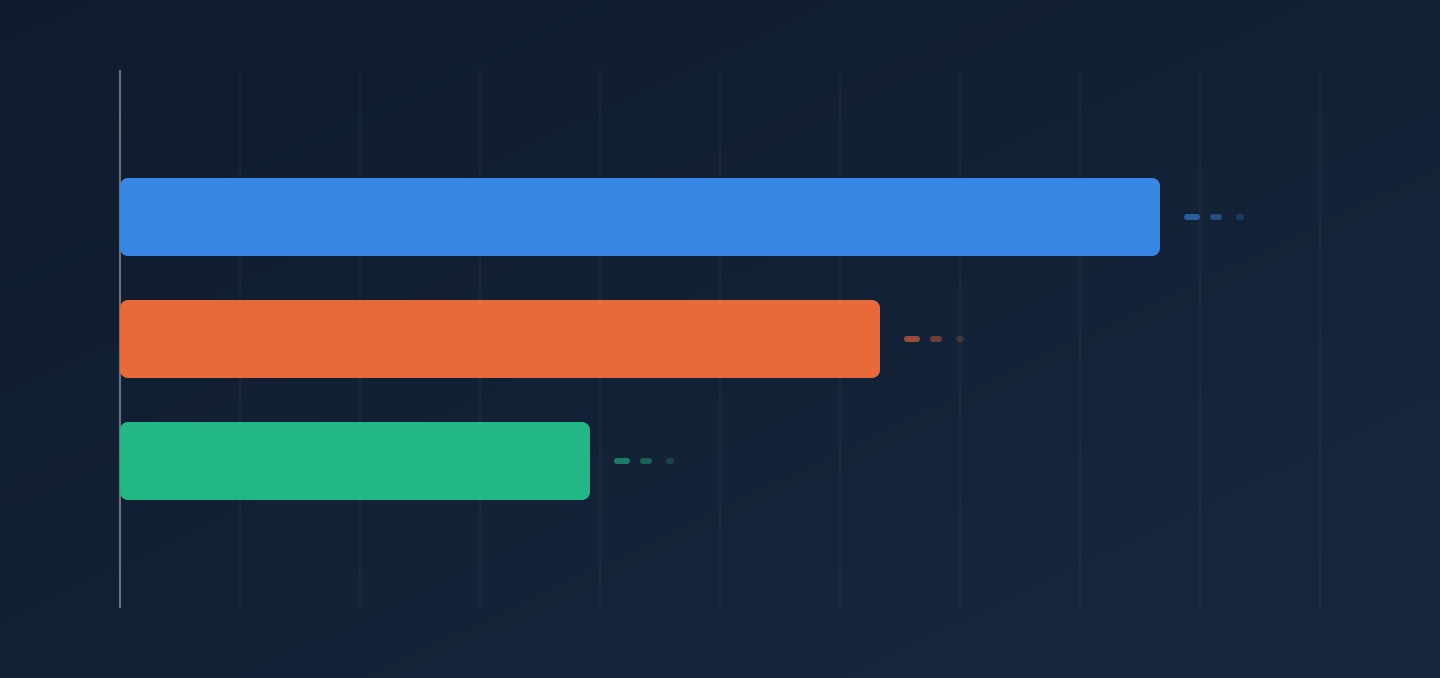
We broke Bundle A down by build step. Almost all of the saving came from the steps that compile your blocks and components.
Bundle A, median build time by compile step
Median of 10 production builds. Shorter bars are better.
- 7.1.1
- 7.2.0 + skip dependency transpilation
Example numbers from our test setup. Your results will differ.
The client-side compile dropped from about 112 seconds to 38. The server-side compile dropped from about 33 seconds to 10. The remaining small steps add up to less than a second either way.
How can I try it?
Upgrade your bundle to Engine 7.2.x or newer. Then turn on the opt-in flag that skips transpiling prebuilt dependencies. The upgrade alone made every bundle we tested faster, and the flag is where the rest of the gain came from. The next section explains the flag and how to set it.
The opt-in flag
Packages in node_modules already ship built code. Running them through Babel again adds build time and nothing else. Bundles that declare an org in blocks.json already skip this step. Starting with 7.2, bundles without an org can opt in too.
Set the environment variable:
COMPILER_SKIP_DEPENDENCY_TRANSPILATION=trueOr set it in arc.config.json:
{ "compiler": { "skipDependencyTranspilation": true } }It’s off by default, so nothing changes unless you turn it on. Your own .jsx and .tsx files and @arc-fusion/* and @arc-core-components/* packages are always transpiled.
There’s one catch. If a dependency ships untranspiled source, such as JSX inside a plain .js file, the build fails. The error names the package and the exact line to add to transpileModules in your package.json. See Adopting Webpack 5 in your bundle and the environment variables reference for details.
Bundle size: no big changes, minor improvements
Bundle A’s output also got about 9% smaller, from roughly 113 MB to 103 MB, because we stopped re-transpiling org blocks. The other three bundles stayed within 1% of their 7.1.1 size. The flag itself doesn’t change output size.
Give it a try
We’re really excited to see this improvement, and we believe it will make day-to-day work easier for our customers’ developers and make PageBuilder more fun to work with. Give it a try and share your results with your TAM, we’d love to hear how it goes.